1
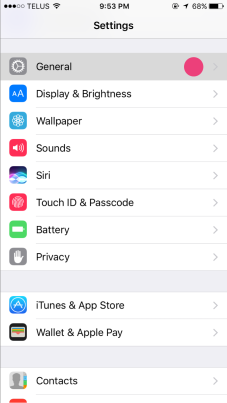
Open Settings
2
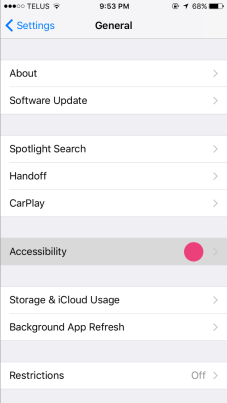
Tap Accessibility
3
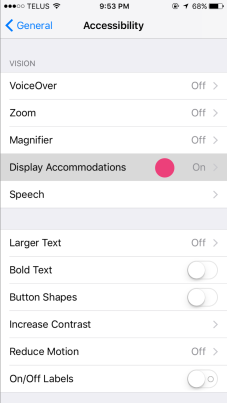
Tap Display & Text Size
4
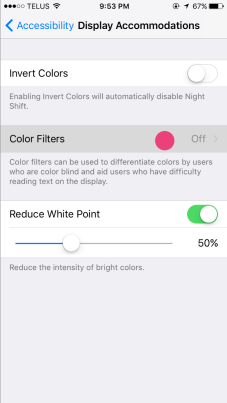
Tap Color Filters
5
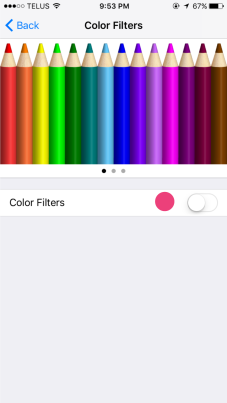
Toggle Color Filters On
6
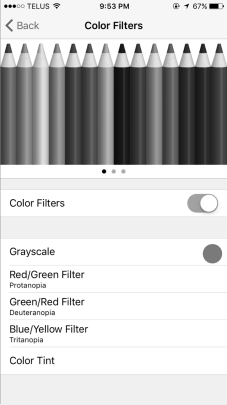
Select Grayscale
Pro Tip: Set up a shortcut
Go to Settings → Accessibility → Accessibility Shortcut → Color Filters. Now you can triple-click the side button to toggle grayscale on and off instantly.